Mac in Search document
How to Use Your Apple Pencil for Digital Art and Note-Taking
The Apple Pencil is an amazing accessory that opens up the iPad for use as a drawing and note-taking tablet. Due to its accuracy, the pressure sensitivity, and the ease of use, the Apple Pencil is a perfect tool for drawing and note taking
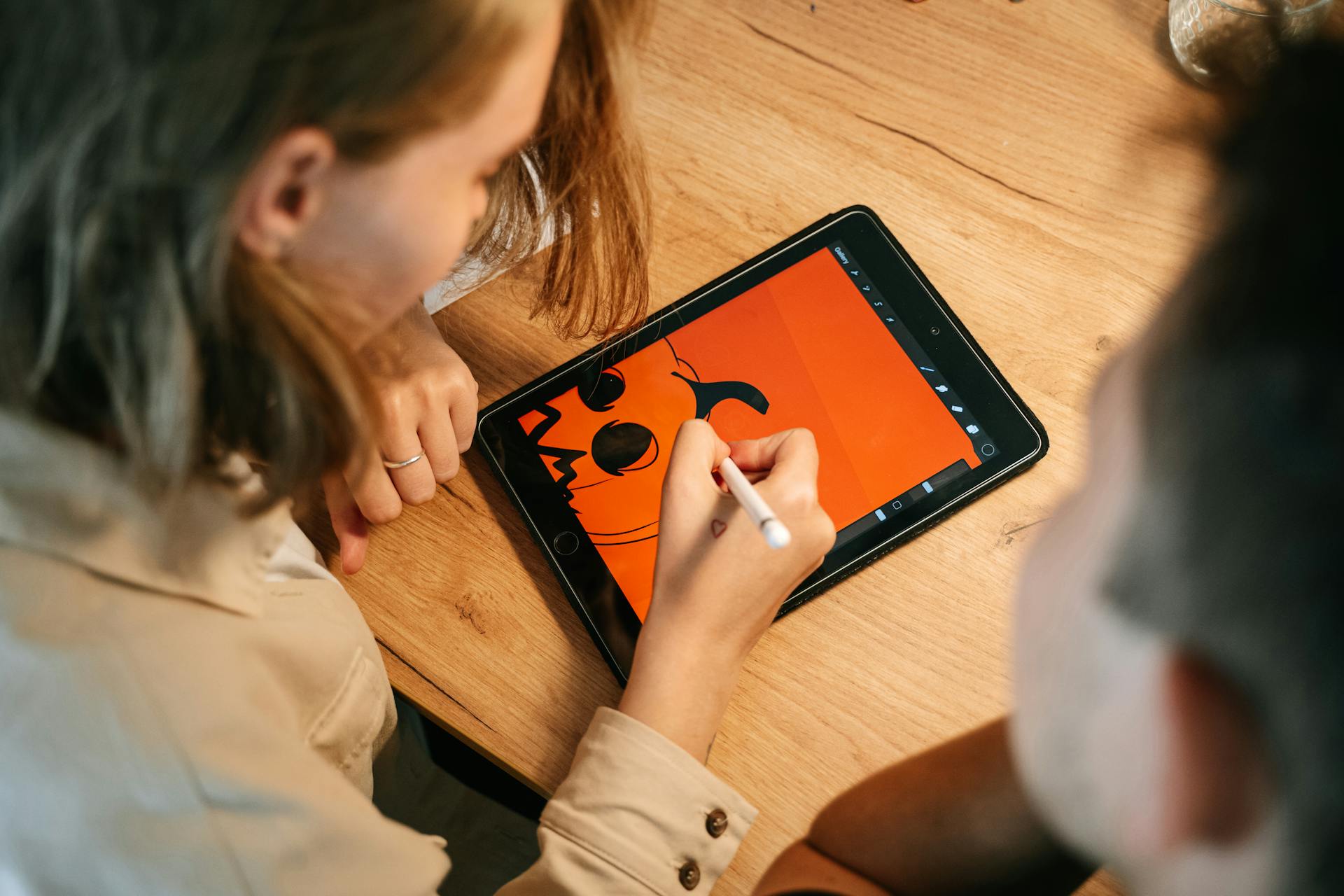
The Apple Pencil is an amazing accessory that opens up the iPad for use as a drawing and note-taking tablet. Due to its accuracy, the pressure sensitivity, and the ease of use, the Apple Pencil is a perfect tool for drawing and note taking. Below are some tips to help you get the best out of your Apple Pencil whether you are an artist or a student.
Table of Contents
Toggle- Setting Up Your Apple Pencil
- Digital Art Creation
- Choosing the Right App
- Utilizing Pressure Sensitivity
- Layering Your Artwork
- Effective Note-Taking
- Use the Notes App
- Organize with Notebooks and Folders
- Annotate PDFs and Images
- Conclusion
Setting Up Your Apple Pencil
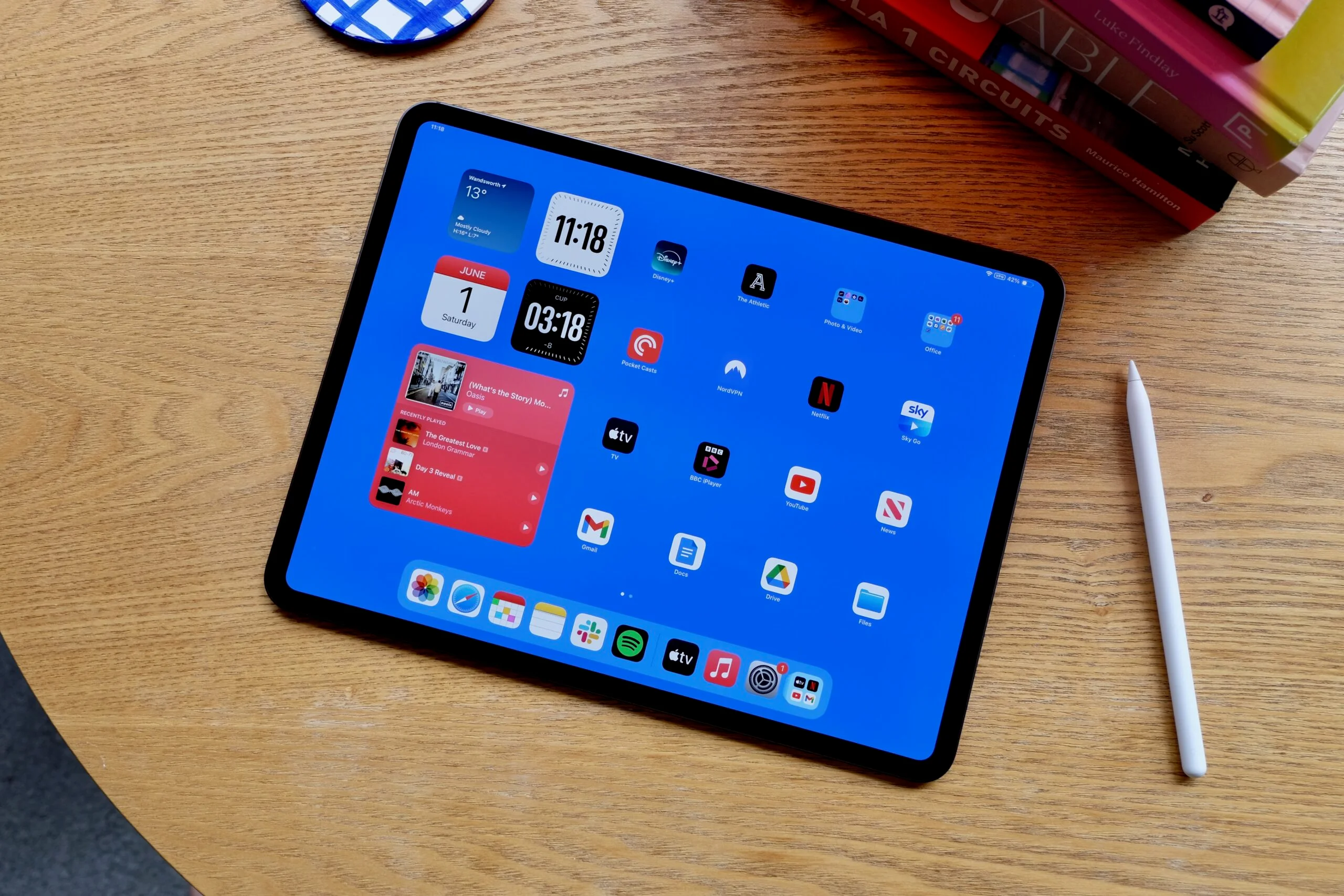
Before starting to draw with your Apple Pencil or writing notes, check the settings of your Apple Pencil. To charge the first generation Apple Pencil, unscrew the cap at the top to expose the Lightning port and plug it into the iPad’s Lightning port. For the second generation, you just have to stick the Pencil on the side of the iPad to pair and charge it. Once paired, you can begin to use it with other applications that are compatible with it.
Digital Art Creation
The Apple Pencil is especially preferred by artists as it imitates the usage of a brush or a pencil. Here are some tips for using it effectively in digital art:Here are some tips for using it effectively in digital art:
Choosing the Right App
Choose an app that best fits your creativity. Some of the most used applications are Procreate, Adobe Fresco and Affinity designer among others. These applications provide many brushes, colors, and tools to create and design detailed and beautiful art. For instance, Procreate is popular for its intuitive interface and a rich set of brushes that will be useful for new artists and experienced ones.
Utilizing Pressure Sensitivity
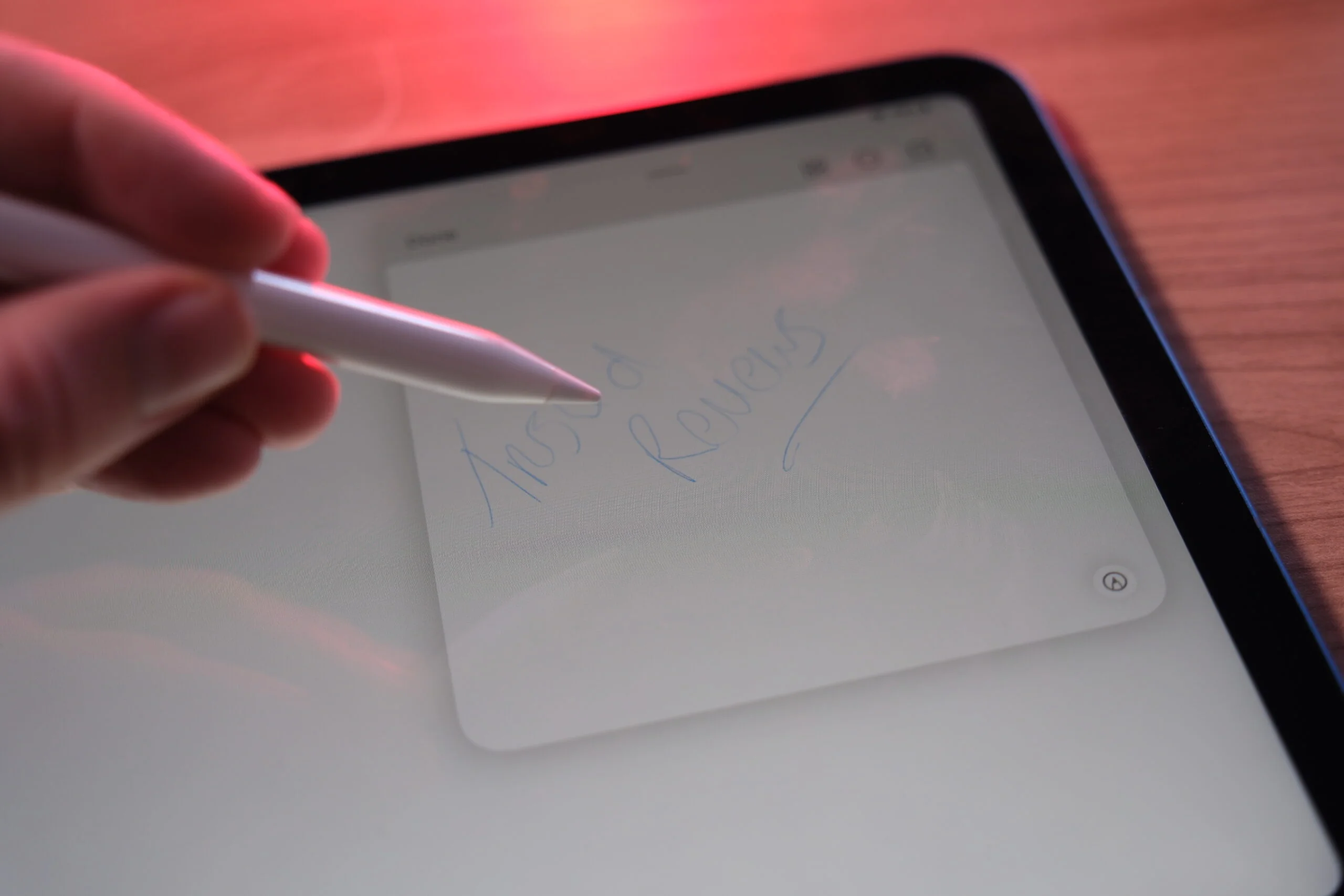
Another major advantage of the Apple Pencil is the pressure sensitivity. This enables one to have different line thickness and shading depending on the amount of pressure one applies on the tip. Play with the brushes and the settings to know how the pressure will influence your strokes. Tilt functionality also allows you to achieve certain effects that are characteristic of real pencils and brushes.
Layering Your Artwork
Almost all the digital art apps have the feature of layers that help you to divide the different parts of the artwork. To make your designs more interesting, try to incorporate as many layers as possible to give the design more dimension. For instance, it is possible to have the background, mid-ground, and foreground layers to help in the manipulation of the image without affecting other areas.
Effective Note-Taking
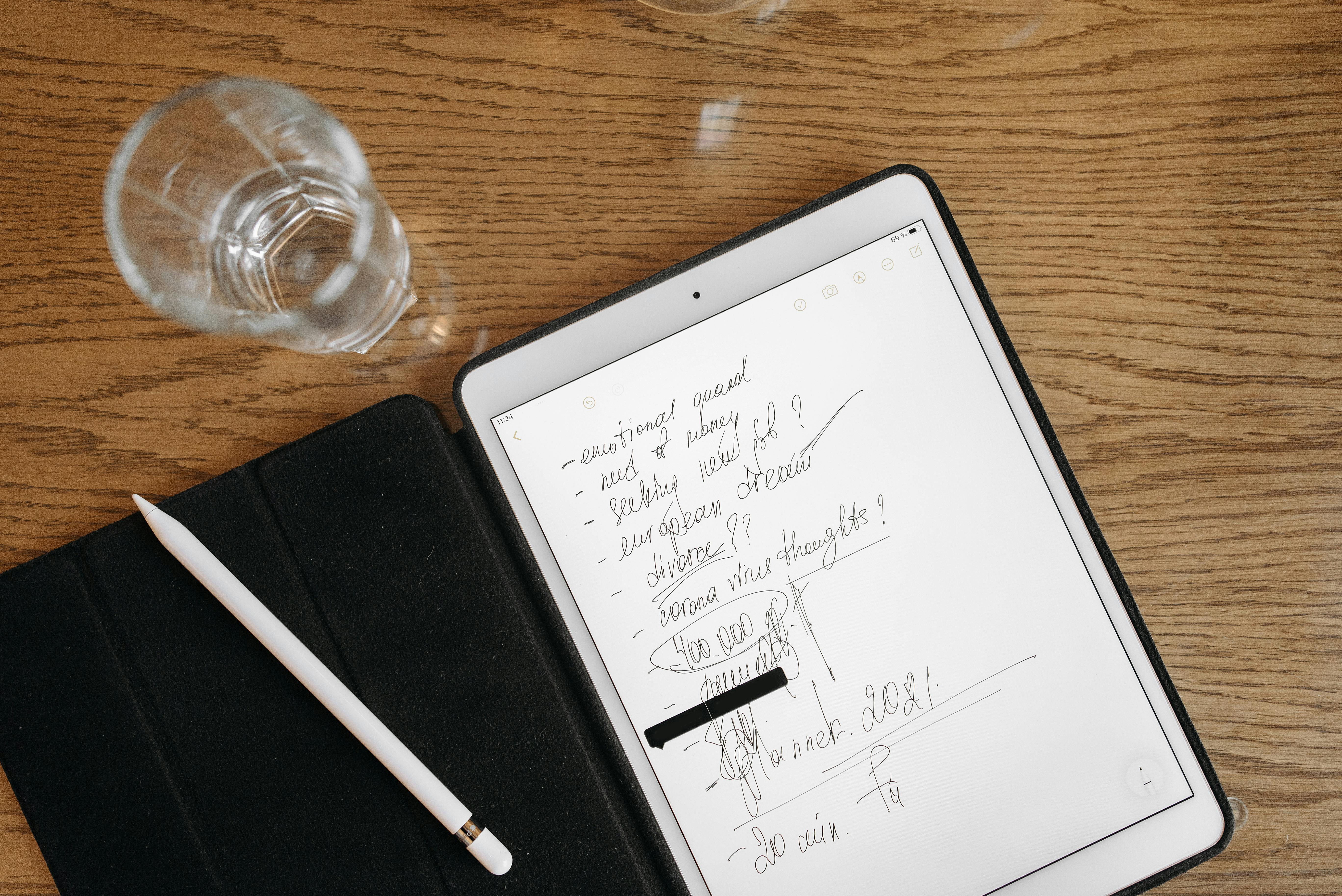
The Apple Pencil is also a great tool for note-taking since it gives the user a natural writing experience as if they were using a pen and paper. Here are some strategies to enhance your note-taking:Here are some strategies to enhance your note-taking:
Use the Notes App
This is where the built-in notes app on the iPad comes in handy for note taking. It is possible to write notes and messages, add comments to documents, and even draw schemes. Scribble your notes and convert your handwriting into text for easy organization of your notes.
Organize with Notebooks and Folders
For this reason, it is advisable to have different notebooks for different subjects or projects. It is also possible to group the notebooks by using folders; this helps in easy identification of the notes required at any given time. This format of the organization of your study or work will make it easier for you.
Annotate PDFs and Images
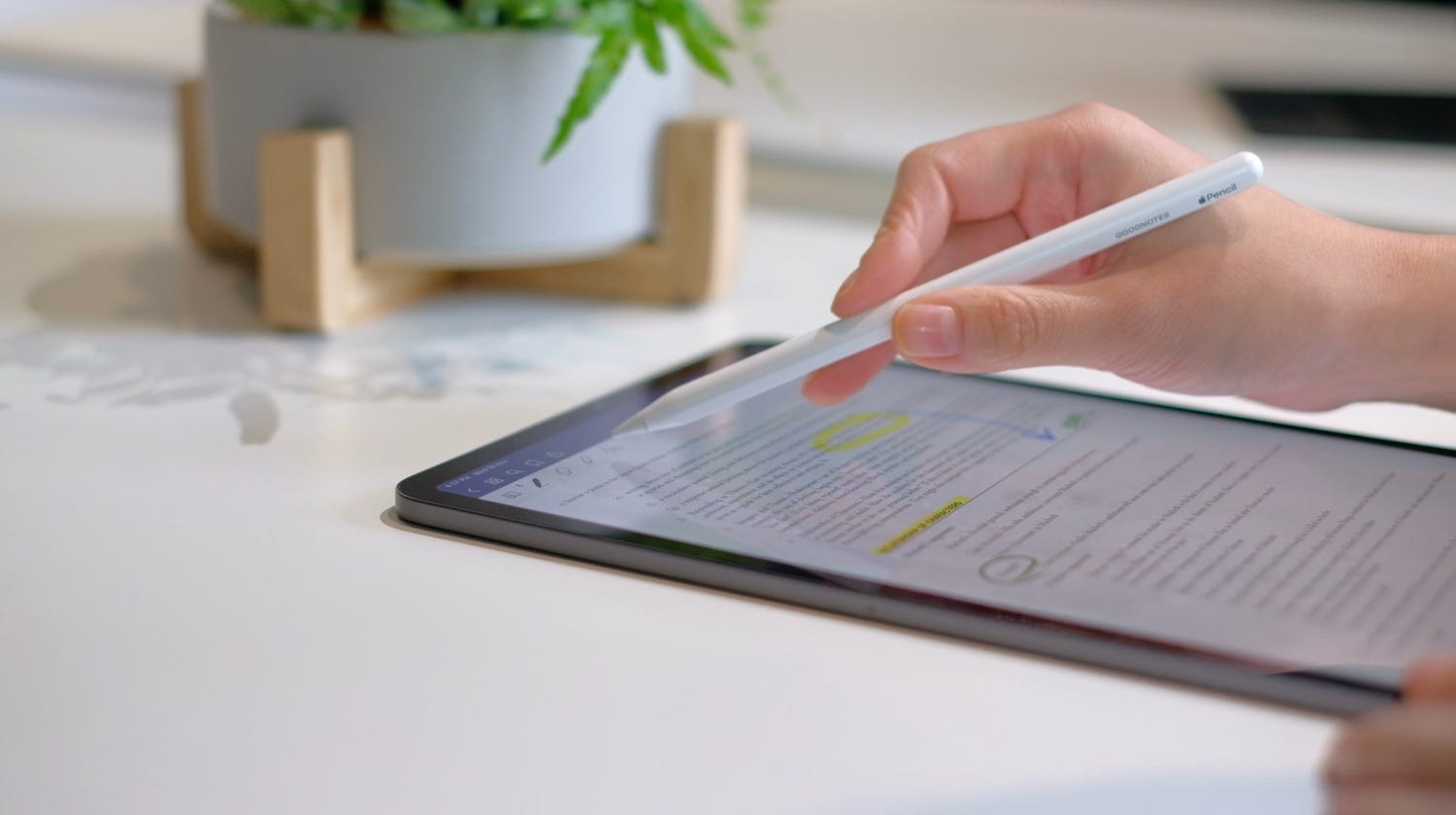
The Apple Pencil also enables you to write on PDFs and images. Apps such as PDF Expert or GoodNotes can be used to underline text, write notes, and even draw on the documents. This feature is quite beneficial for students who are revising their notes or professionals who are marking papers.
Conclusion
It can be said that Apple Pencil is one of the best tools for artists and note-takers. In this way, you can make beautiful drawings and take neat notes with the help of it if you set it up properly. If you are using the Apple Pencil to draw your masterpiece in Procreate or writing notes in the Notes app, it will only make things better. This tool is very flexible and it is recommended to use it for creating digital art and note-taking.